
Design Your Own Ring: A Walkthrough of the AI Ring Designer
Designing a custom ring used to require imagination and a leap of faith - you described what you wanted, and you hoped the picture in your head matched the picture in the jeweler's. Our AI Ring Designer removes that guesswork. In a few seconds, the ring in your mind becomes an image on your screen - and if it is not quite right, you simply try again. Here is how to use it, start to finish.
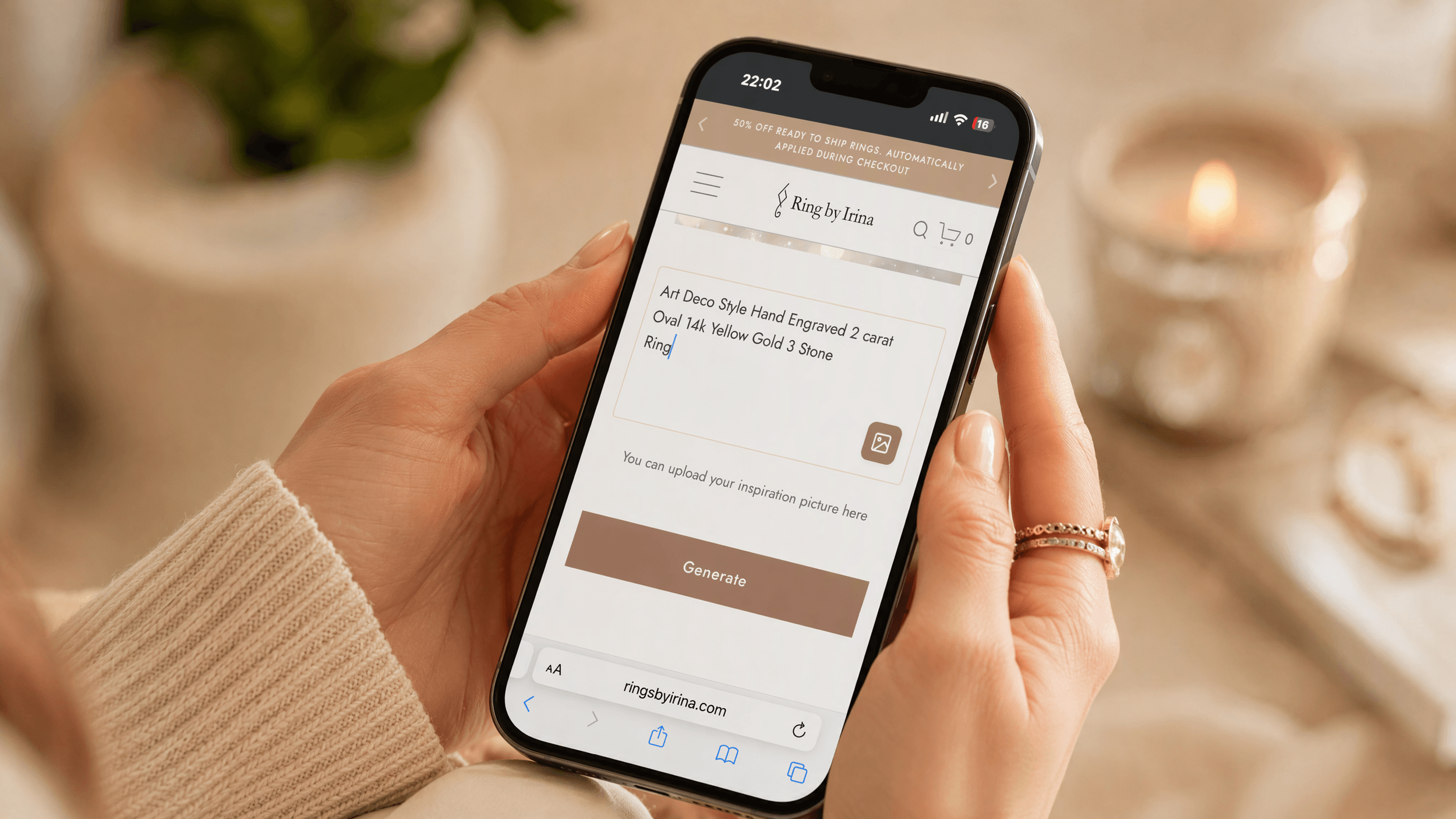
Step 1 - Describe the Ring You See
The tool begins with a single, open prompt: describe your ring idea. The more specific you are, the better the result. It helps to mention the metal (yellow, white, or rose gold), the center-stone shape (round, oval, emerald, hexagon, pear, and so on), the setting style (solitaire, halo, three-stone, cluster, or vintage-inspired), a few band details (thin and delicate, comfort-fit, milgrain, pavé), and any mood words that capture the feeling you are after. A prompt like “a rose gold oval solitaire with a thin pavé band and a vintage milgrain edge” gives the AI plenty to work with.
Or Start With a Picture
Not everyone finds it easy to put a ring into words - and the good news is you don't have to. Right on the designer, just below the description box, you'll see an upload button labeled "You can upload your inspiration picture here." Tap or click it to add a photo straight from your phone or computer, and the AI will use your image as a visual starting point - on its own, or alongside your written description. Like the rest of the tool, it's completely optional and free to use.
Almost any inspiration works: a screenshot of a ring you saved on Pinterest or Instagram, a photo of a family heirloom you'd love to reimagine, a quick hand-drawn sketch, or even an image of a color or texture that captures the feeling you're after. For the best results, pair your picture with a few words - for example, upload a ring you love and add "but in yellow gold with an oval stone" - so the AI keeps what you like and changes what you don't. Then hit Generate, and use Redesign to refine it, exactly as you would with a text-only prompt, until it feels like yours.
Step 2 - Hit Generate and Watch It Appear
Click Generate, and the AI visualizes your description in a few seconds, rendering a ring concept straight from your words. Think of it as a fast, pressure-free way to explore ideas - a visualization to react to, not a technical blueprint. Seeing an idea on screen has a way of instantly telling you whether it is what you actually wanted.
Step 3 - Not Perfect? Redesign
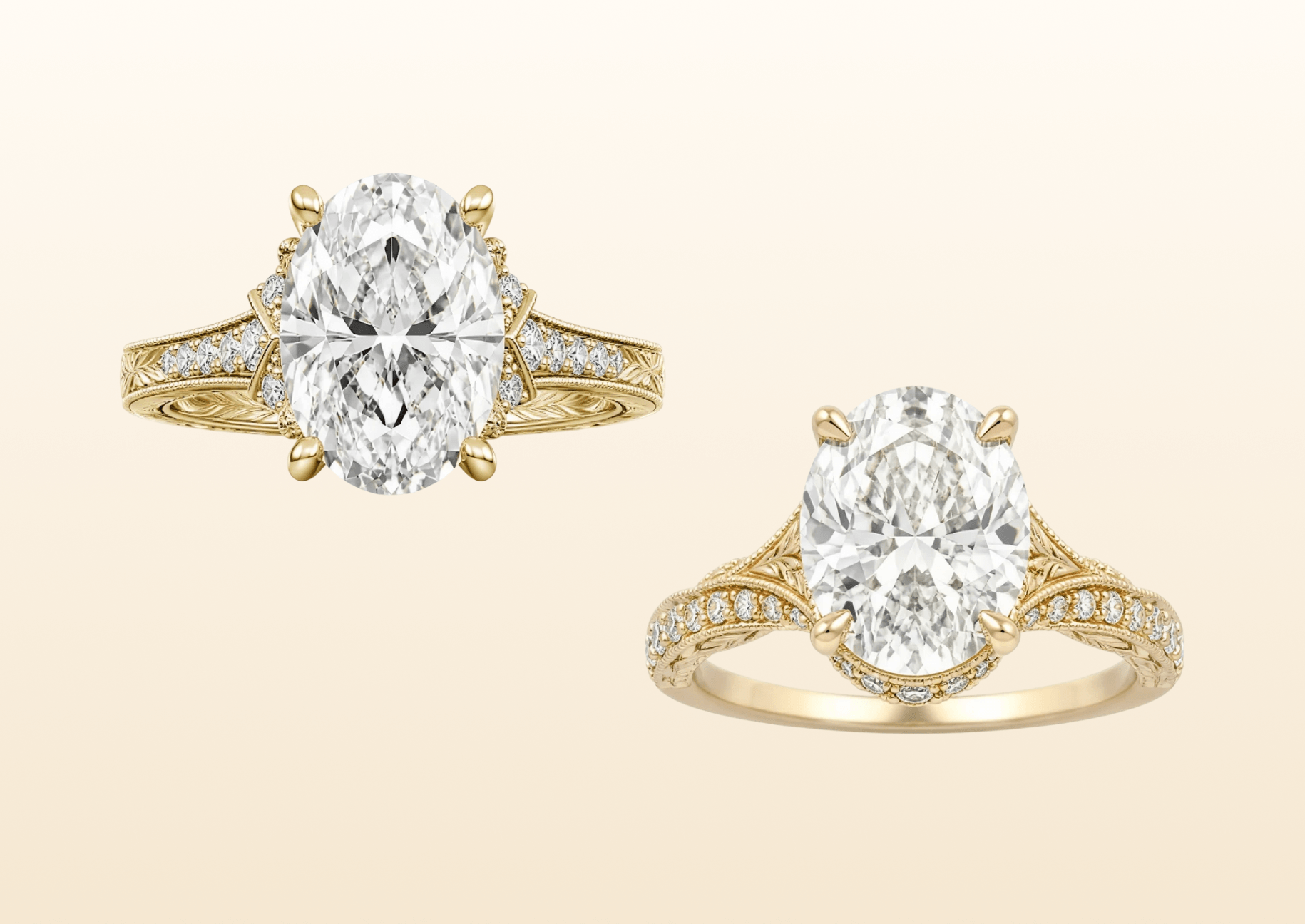
If the concept is close but not quite right, use Redesign to try again. Adjust your wording - a bigger stone, a warmer metal, a little less detail - and generate a fresh version. This is where the tool really earns its keep: you can iterate freely, as many times as you like, with zero cost and no pressure, until the concept genuinely feels like yours.
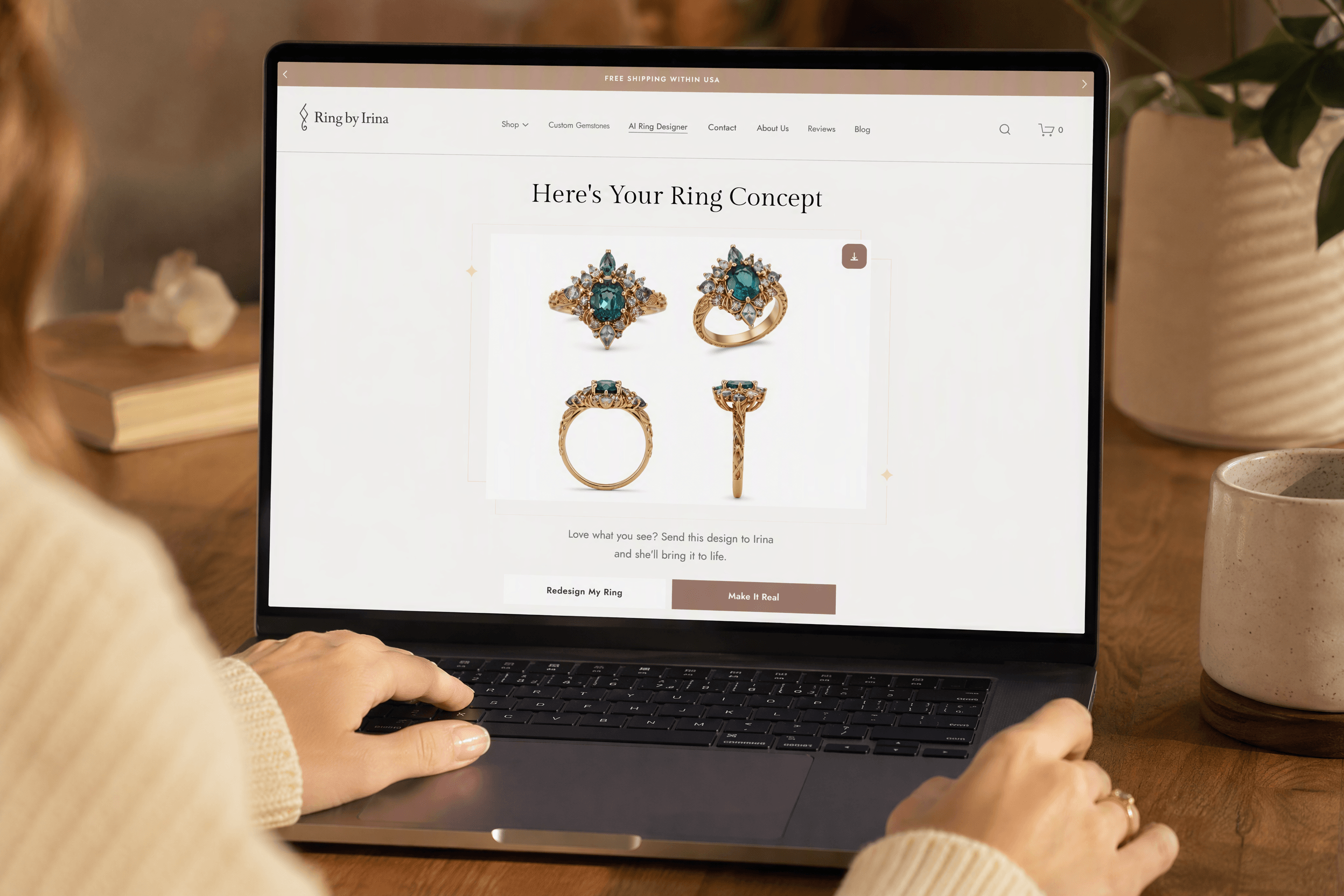
Step 4 - Make It Real
When you love what you see, choose Make It Real to send the concept straight to Irina. From there, she translates the visualization into a genuine custom piece - refining the proportions, selecting ethically sourced stones, and handcrafting it in recycled fine metals, typically ready within two to four weeks.
Tips for the Best Results
A handful of clear details will always beat a paragraph that tries to include everything, so be specific but not overloaded. Try the same idea a few different ways so you have concepts to compare. If you want a colored stone, name it directly - emerald, sapphire, tourmaline - and take a quick screenshot of any concept you love before you send it along.
Where It Leads
The AI Ring Designer is not the finished ring - it is the beginning of the conversation, and the fastest way to turn “something like this” into “exactly this.” Try it, generate a few versions, and when one feels right, send it to Irina to bring to life.
Before You Design, Know the Basics
The designer makes the creative part effortless - but a little grounding in stone quality helps you make choices you'll love for life. Two resources worth a look:
🔗 GIA - How to Buy a Diamond & the 4Cs
🔗 Superior Gem Lab - Gemstone Certification
Come in informed, describe what you love, and let Irina handle the rest.